

REPORTING AND ANALYTICS

Health and safety reporting and analytics built for live sites

Empower workers on US construction sites to complete health and safety forms that flow directly into the activity feed and populate Site App Pro’s reporting and compliance dashboard in real-time. This eliminates administrative delays, transforming daily site inputs into immediate, actionable visibility for your office workers.

Book a demo
Compare plans
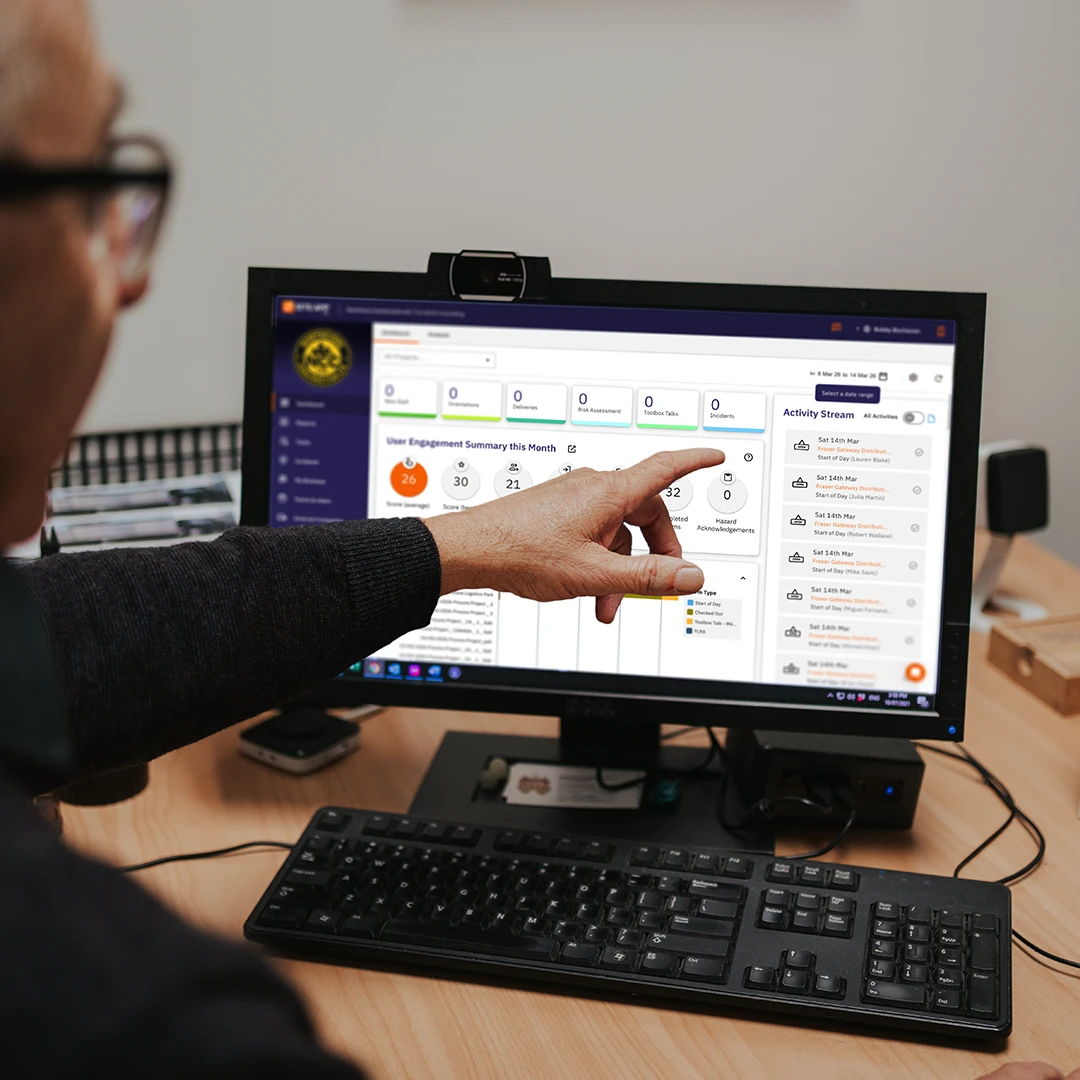
Safety manager pointing at a Site App Pro reporting dashboard on a desktop monitor
Trusted by 1,200+ companies and used on 300,000+ projects globally.

Visualize health and safety performance metrics and reporting

Laptop showing a Site App Pro reporting dashboard during a team meeting in a site office

In the office

Health and safety managers use executive dashboards to analyze real-time site activity, track safety performance monitoring metrics, and review form completion rates. These convert into live safety reporting and insights that give leadership full visibility over corporate risk and compliance. For seamless board reporting and audit preparation, effortlessly compile and export individual forms into clean datasets, customized with your company logo for a professional presentation.

Start your free trial
Construction worker in hard hat and safety glasses marking up paper plans on site

On the job site

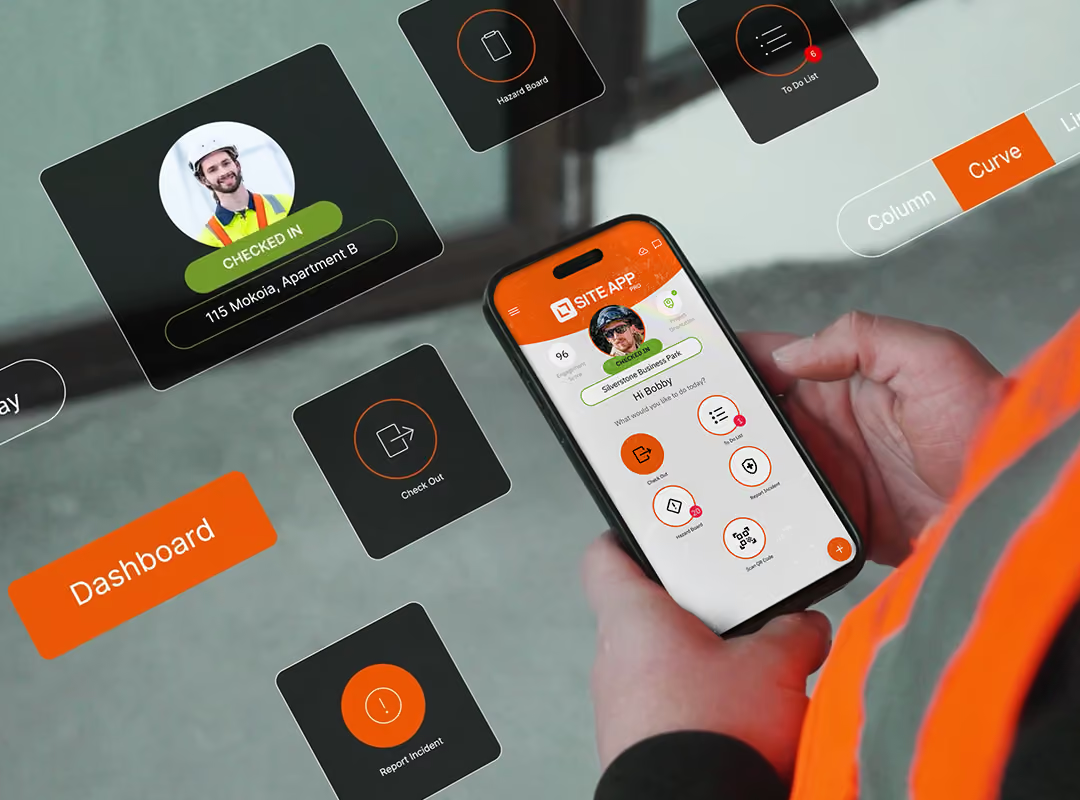
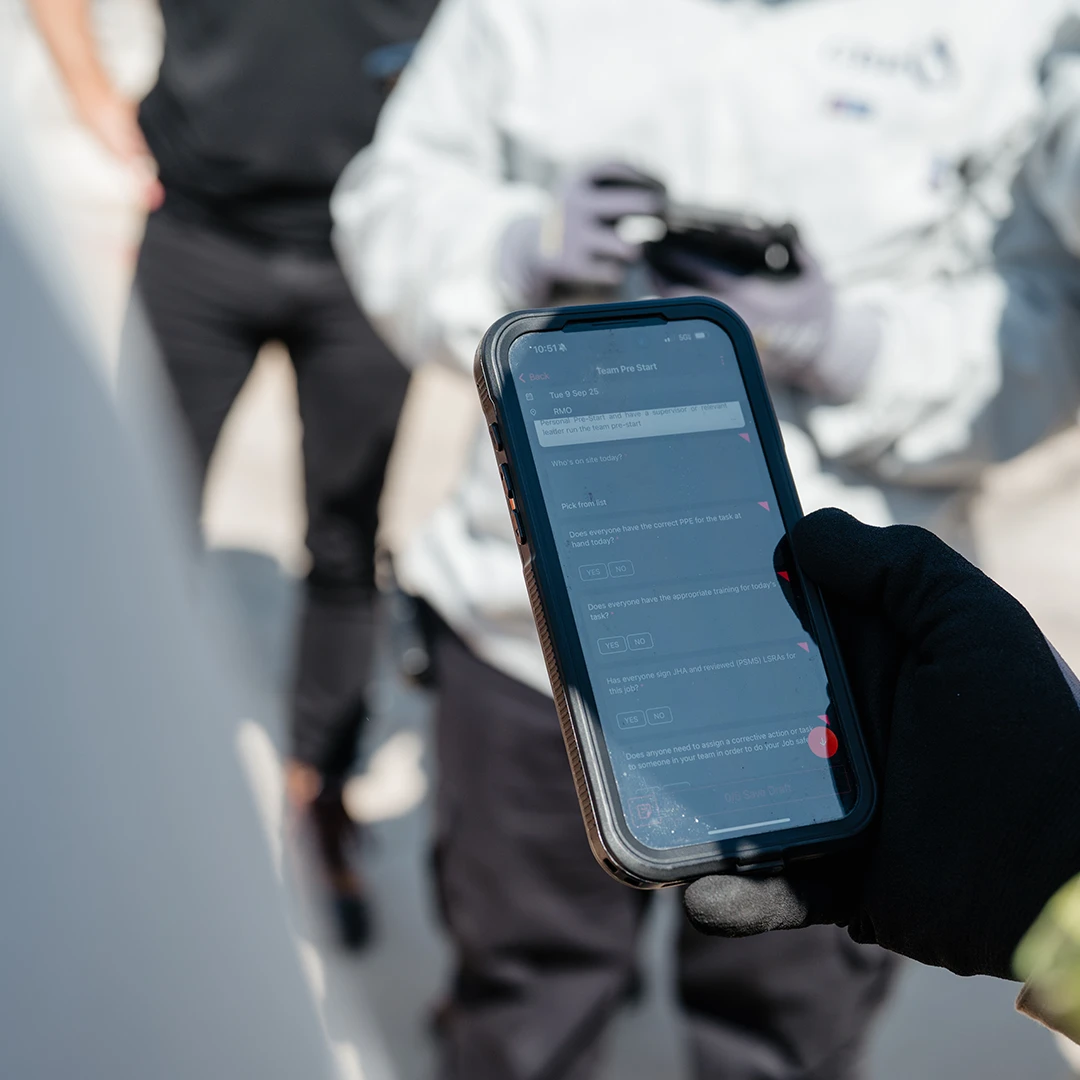
Workers can quickly complete field level risk assessments (FLRAs), and report hazards through the health and safety reporting app as they happen on the ground. Supervisors can access a live activity stream and form completion rates.

Key features

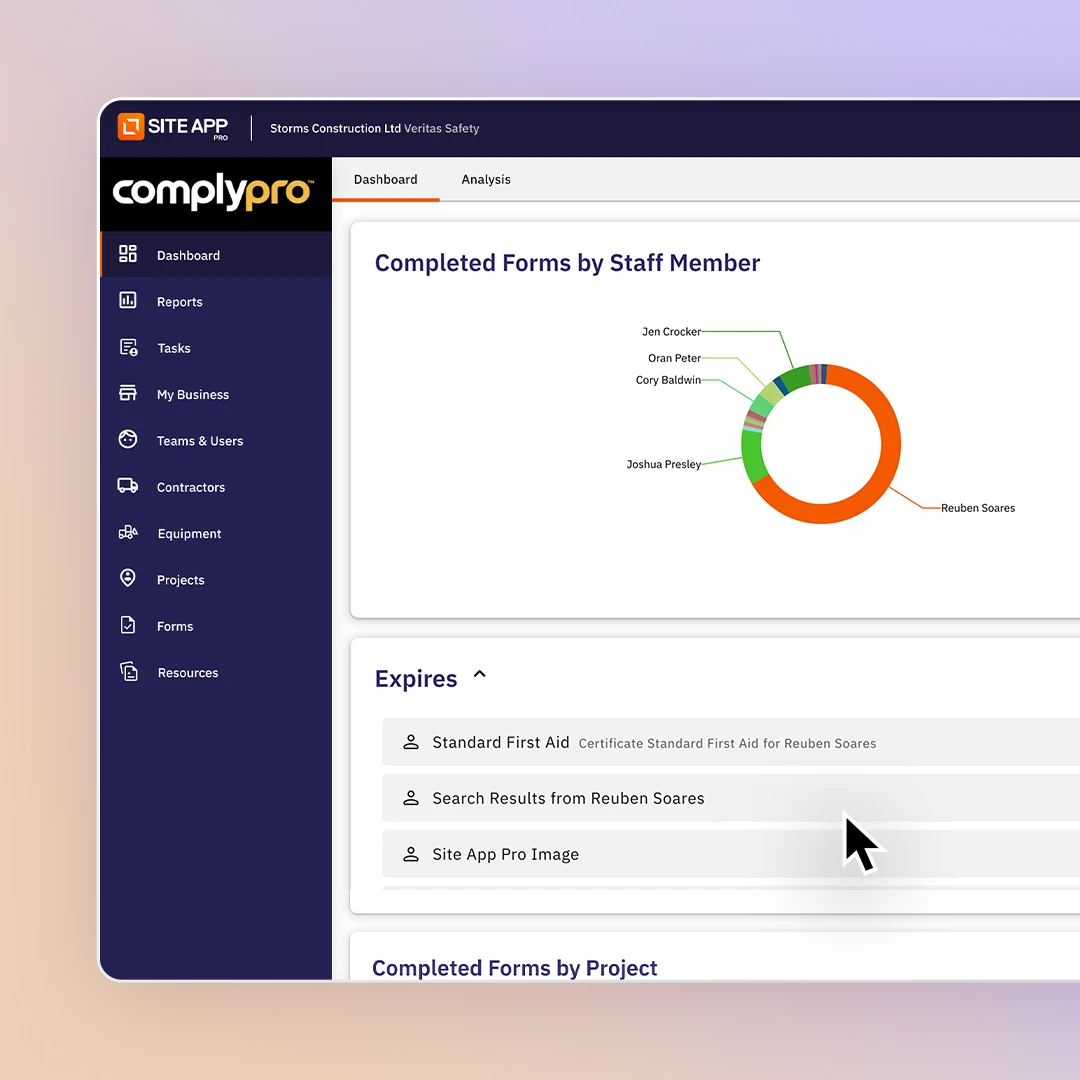
Reporting dashboard showing a Completed Forms by Staff Member donut chart and expiry list
Dashboard

Safety analytics dashboard

Gain complete oversight of your worker’s safety engagement with our live reporting dashboard. Packed with easy to understand, dynamic pie charts and bar graphs, Site App Pro breaks down completed forms by site, user, or type. Track real-time user engagement scores, safety KPIs, upcoming tasks, map active site locations, and monitor site attendance. You can also review health and safety incident analytics and view upcoming certification expiration dates. Simply adjust your custom date range to analyze specific trends, turning everyday safety activity into insights.

Let's talk dashboard
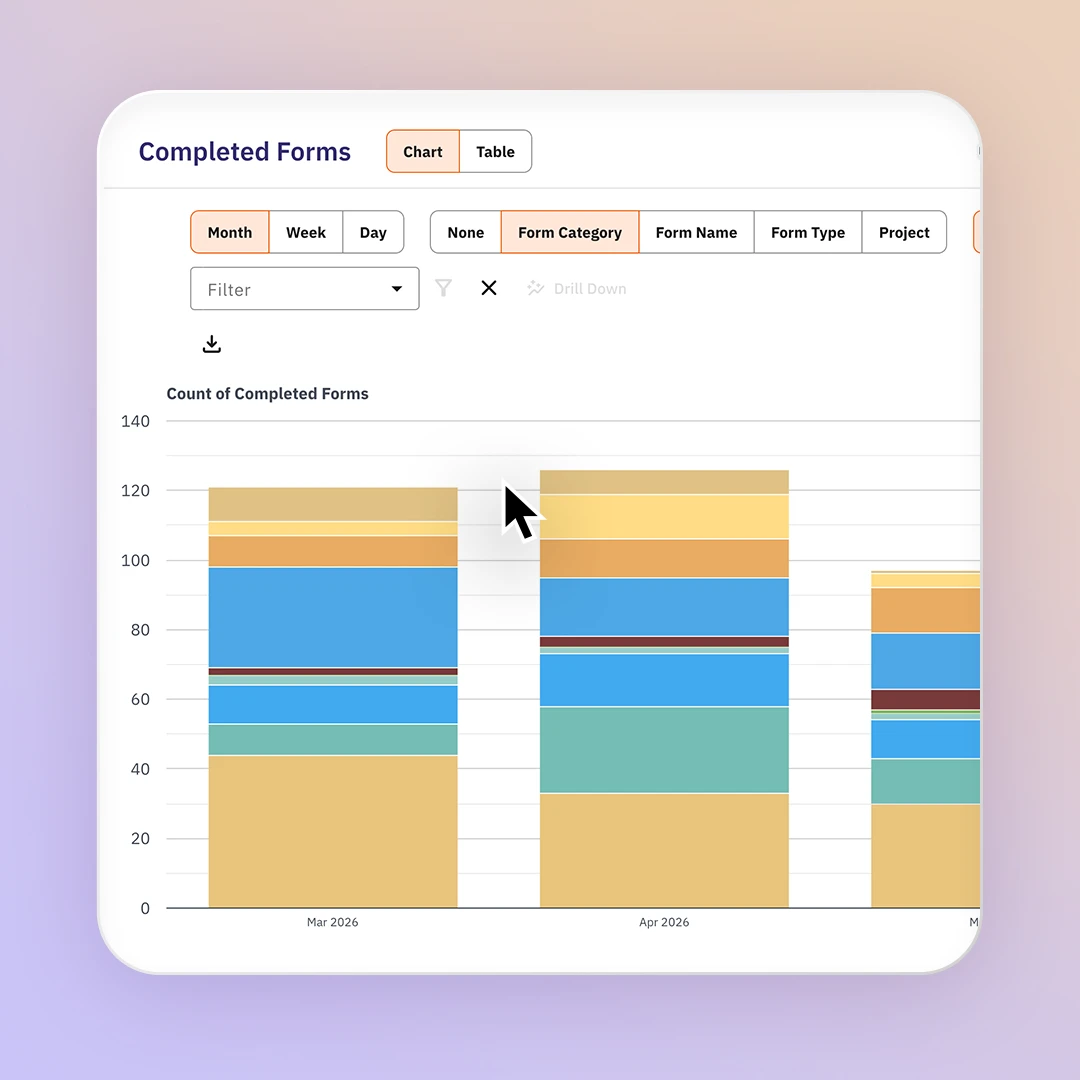
Completed Forms analytics chart with stacked monthly bars and form category filters
Trend analysis

Spot risks early with advanced trend analysis

Remove the complexity of navigating raw data in spreadsheets with Site App Pro’s trend analysis tool. Filter and drill down into completed forms, responses, and hazards instantly. By adjusting date ranges and form details, you can isolate critical data points and visualize them across column charts, line graphs, or table views. This flexible dashboard enables you to analyze safety performance from multiple sources, exposing job site risks before they escalate. Once you have built your dataset, you can export the safety report as a CSV or PDF file in our safety audit software.

Let's talk trend analysis
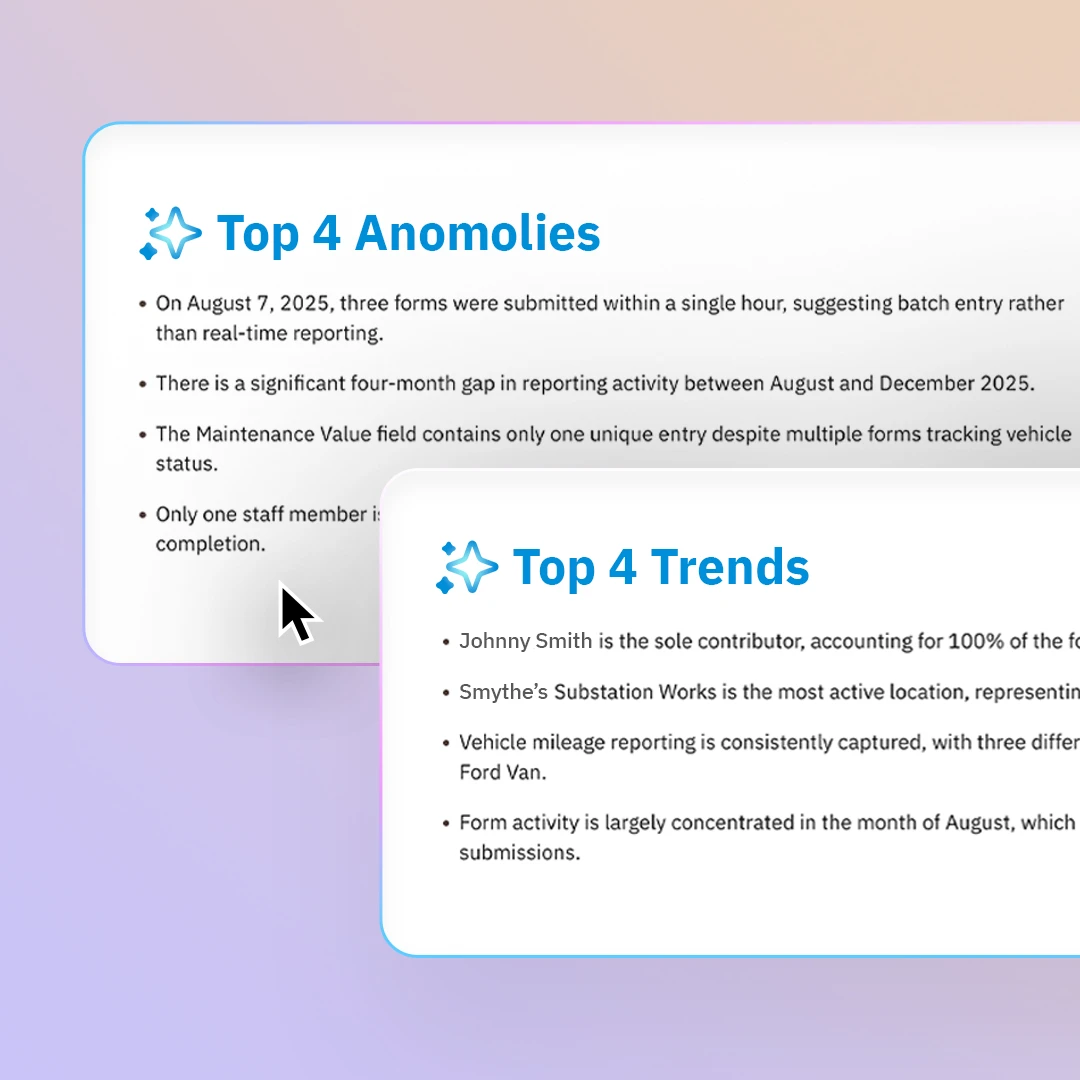
AI insight panels listing the top anomalies and top trends found in form activity
Form reports

Audit-ready health and safety reports with Site App AI summaries

Instantly summarize your compliance data using Site App AI. You can compile, view, and export individual or bulk completed form reports, filtered instantly by site to print or email directly to stakeholders. Save valuable time by letting our built-in AI summarize complex safety data like incident analytics for your health and safety board reports that are ready to present in your next management meeting.

Let's talk form reports
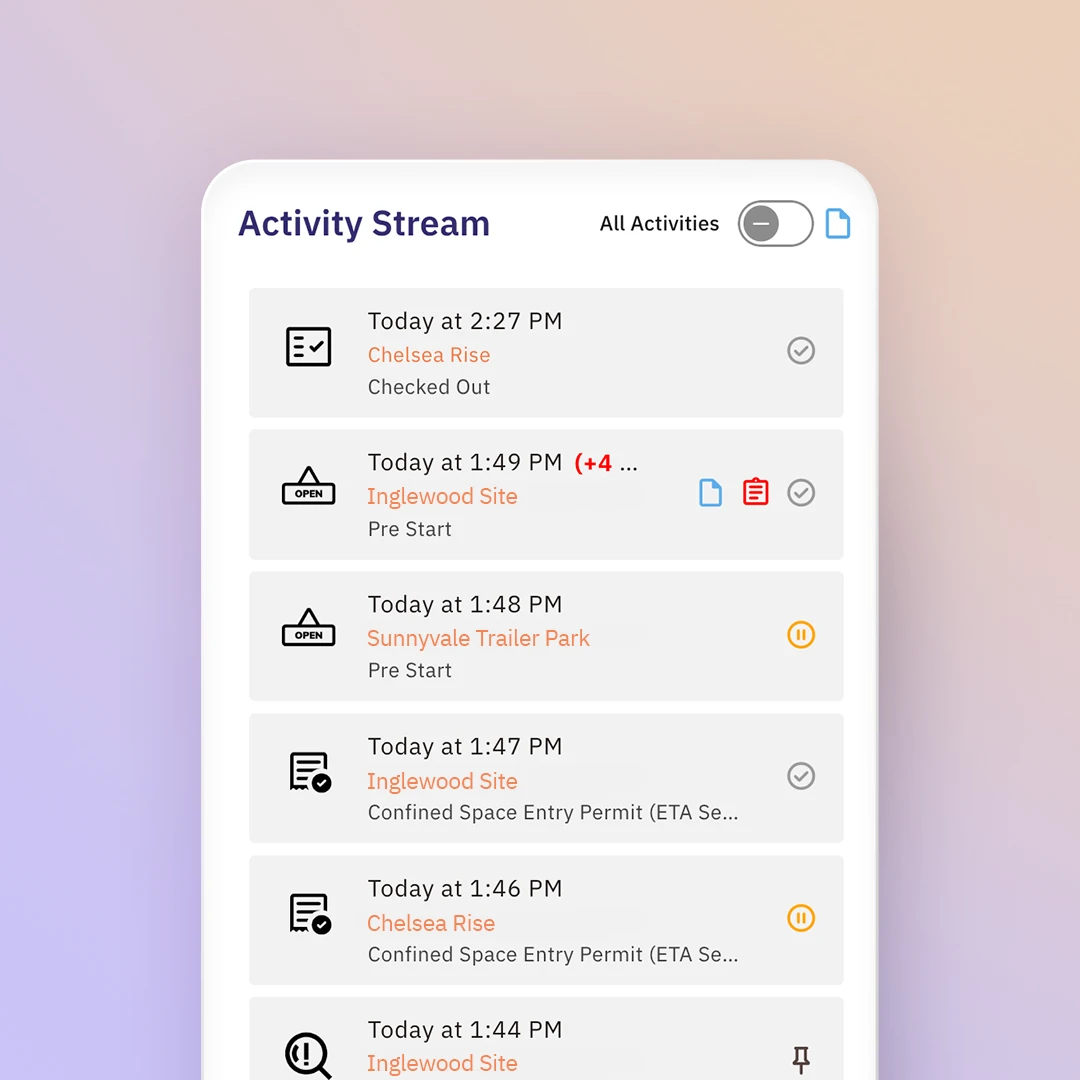
Activity Stream on a phone listing timestamped check-ins, pre-starts and permits
Activity stream

Real-time safety activity stream

Monitor a live activity stream of worker engagement for every site as it happens on the ground. When a worker logs a hazard report, starts an inspection, or signs into a project, the activity updates instantly in your dashboard. Adjust your notification settings so you are notified when something requires immediate attention, such as equipment needing service, or an incident happens on-site.

Let's talk activity stream
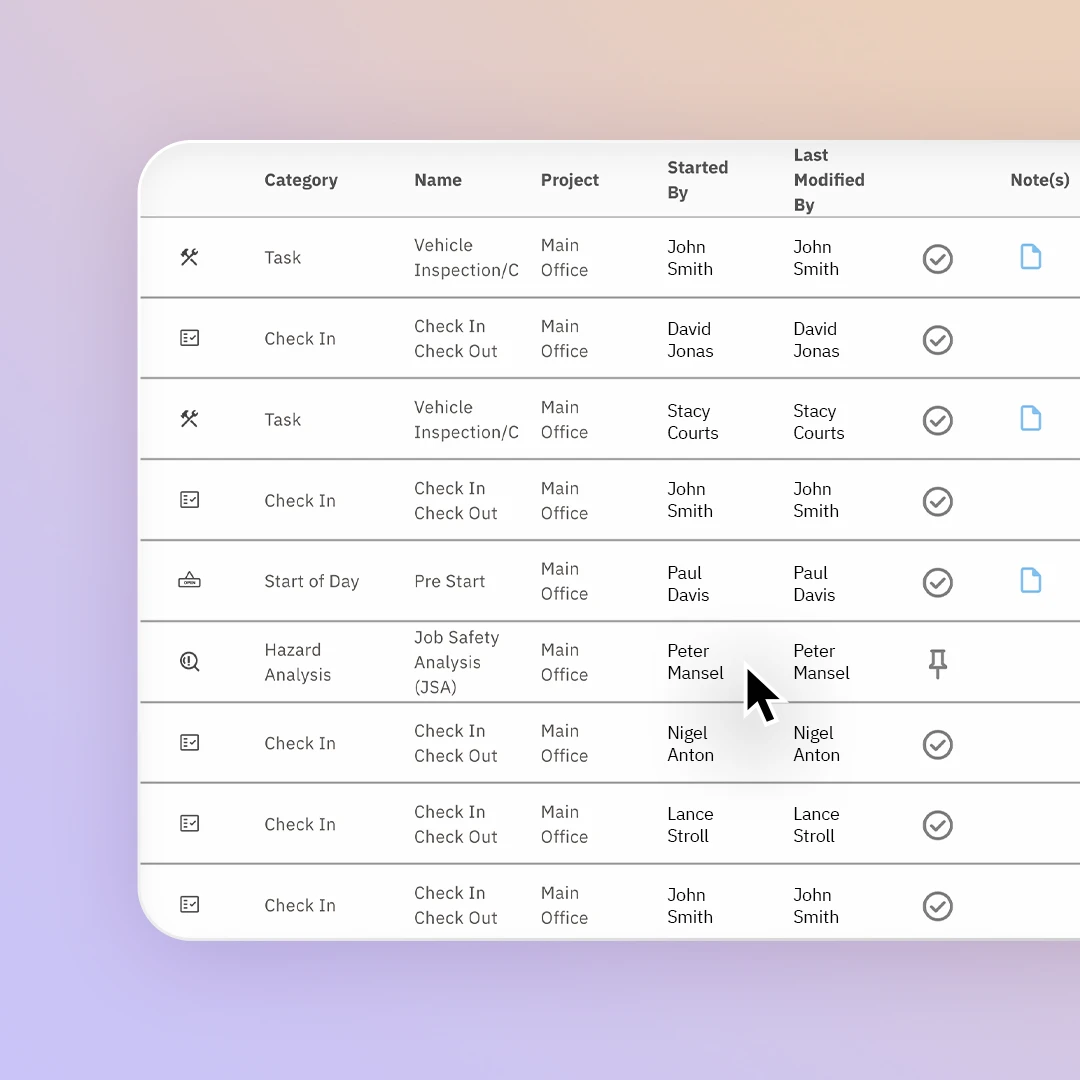
Activity log table listing check-ins, tasks and hazard analyses by project and user
Record keeping

Maintain and store your live and historical safety records

If an auditor reviews your operations, you can give them direct access to your safety audit software to view and analyze your entire history of safety activity. Every form, signature, and record logged is securely backed up long-term and available for full download at any moment. If an auditor arrives unexpectedly, site supervisors can instantly show inspections, incidents, hazards, and training records directly from their site audit app.

Let's talk record keeping

Reports you can visualize

Analyze real-time safety data visually in the reporting and incident dashboard, then export into a CSV or PDF.

AI form report summary

Summarize form insights with Site App AI to identify trends.

Corrective action report

Track outstanding safety tasks, assigned workers, and close-out dates.

Near-miss reporting app

Workers can complete near-miss reports through their safety app.

Site attendance report

Track total visitor check-ins, worker hours, and real-time site occupancy.

Equipment report

Monitor asset service histories, mechanical pre-starts, and active maintenance logs.

Competency report

Map worker skills against required roles and licences.

Site report

Deliver a comprehensive compliance overview for one specific project location.

Safety form report

View completed digital site checklists and daily compliance forms.

Incident report

A report outlining on-site accidents. Can be submitted through the incident report mobile app.

Site safety audit report

Generate a report for a custom time range for completed site safety forms.

Completed training report

Verify training plans and safety sign-offs across your crew.

Health and safety audit report

Evaluate compliance against regulatory safety standards comprehensively.

Training history report

Centralize a worker’s log of completed safety learning courses.

Hazard report

Capture and log active workplace risks before accidents happen.

Near-miss report

A log of close calls that have happened on-site.

Audit log report

Track a historical log of completed safety forms and give auditors access to review your history.

Inspection report

Audit physical site conditions, structural integrity, and environmental controls.

Accident reporting

Record worker injuries, medical treatments, and immediate site impacts.

Investigation report

Analyze root causes and regulatory evidence following a workplace incident.

See how other health and safety professionals manage reporting

I manage HSE and admin across a couple of companies in BC and Alberta, so I've used a few of these platforms. Site App Pro is the one I wish I'd found first. I'm actually cancelling SiteDocs for my other company and moving everyone over to Site App Pro because it's that much easier to run day to day. My only regret is not going with them from the start, but what you don't know, you don't know. So here I am telling you: just do it.

Shawna Applejohn

Stone River Group

The Site App Pro team was great on helping us get all of our information into the system. There were several phone calls and Teams calls that showed us how to do what we needed. It was easy to customize to our unique needs. Site App Pro reduced our manhours for looking at daily equipment inspections, equip. inspection, work area inspections and JSA dramatically. What used to take 30 to an hour is now taking 10-20 minutes for every employee. That really adds up.

LeRoy W

Site App Pro stands out for its user-friendly interface and powerful project management features. What I liked most was how it streamlines communication between office teams and field crews, keeping everyone updated in real time. The ability to capture site photos, complete digital forms, and track tasks from a mobile device significantly improves efficiency and accountability. The reporting tools are also excellent, making it easy to generate professional documentation and maintain compliance records. Overall, Site App Pro helps reduce paperwork, improve team collaboration, and keep projects organized, saving both time and effort while increasing productivity across construction and field operations.

John F

FCM Construction

Access to support when needed. Superior customer support. I found the workers and field staff enjoyed using Site App Pro as it was intuitive. I've always had good feedback from the field regarding how easy it is to use Site App Pro. The proof is in the pudding and seeing high engagement scores from the workers all the way to the top is a strong indicator of Site App Pro's effectiveness. From inception to rollout I found the team at Site App Pro did a great job ensuring everything went smoothly.

Jonathan U

Industra

The team behind the product have been amazing to deal with, Interface is very easy to use my crews been using it daily. I feel like its been worth every penny.

Mario Rapozo

PTR Paving

We are also pleased to continue our collaboration with SiteApp. The implementation of their digital safety management platform has resulted in a seamless transition of our safety documentation processes, improving efficiency, compliance, and accessibility across the project. The SiteApp team has been a valuable partner in supporting our operational and safety objectives.

Alberto Robles

Frontier Group

Whether you are a small company trying to move away from paper binders, or a big GC that needs to control a large project, Site App Pro is a great choice because of features and price. The key difference is that you can configure Site App Pro to fit your needs, and not have to fit your process around the limitations of a generic safety software system.

Jerome Harney

L&S Construction

Utilizing Site App Pro for our client’s safety programs makes managing the safety program a breeze in terms of organization and ease of use. Site App Pro creates optimal communication between our clients and 1st Quality Safety.

Marlys Wilson

1st Quality Safety Consulting

Site App Pro has significantly made compliance much easier at Grascan. With SAP, we are able to see at a glance everything that is happening on the jobsites. Forms and documentation are easier to fill out and we are getting much more user engagement than before. I’m not having to constantly followup for mandatory documentation.

Janice Wu

Grascan Construction

Compared to our last safety app, the difference in support has been night and day. I always receive immediate help by email or phone from our Customer Success Manager, Josh Presley. He has been very attentive to all of my questions and explains everything step by step. It has given me considerable confidence in the app, and I know I am in good hands.

Duncan Raleigh

Kenalex

All the safety reporting features you need

Site App Pro’s reporting tools enable you to analyze and visualize trends and summaries.

Downloadable forms

In PDF or CSV formats. You can also print the forms.

Recordkeeping

Maintain live and historical safety records

Search and filter

Search through the database and use advanced filtering to drill down data.

Time-stamped

Lock exact dates and times onto every submission automatically.

Audit history

Record version history of who edits a form and when they edited it.

Form version

Automatically capture the form version as edits are made to the form template.

Engagement scores

Review how engaged your workers are with the health and safety processes.

Live activity stream

See in real-time the activity from every worker on every job site as forms and tasks are completed.

Visitor log

Log a list of visitor details of who has signed into the site and signed out.

Site supervisor in a hard hat using a tablet above a busy construction site

Health and safety management software for small to enterprise US companies.

  • Offline functionality
  • Free onboarding
  • Localized support
  • Real-time dashboard
  • Safety mobile app
Book a demo

Explore more features

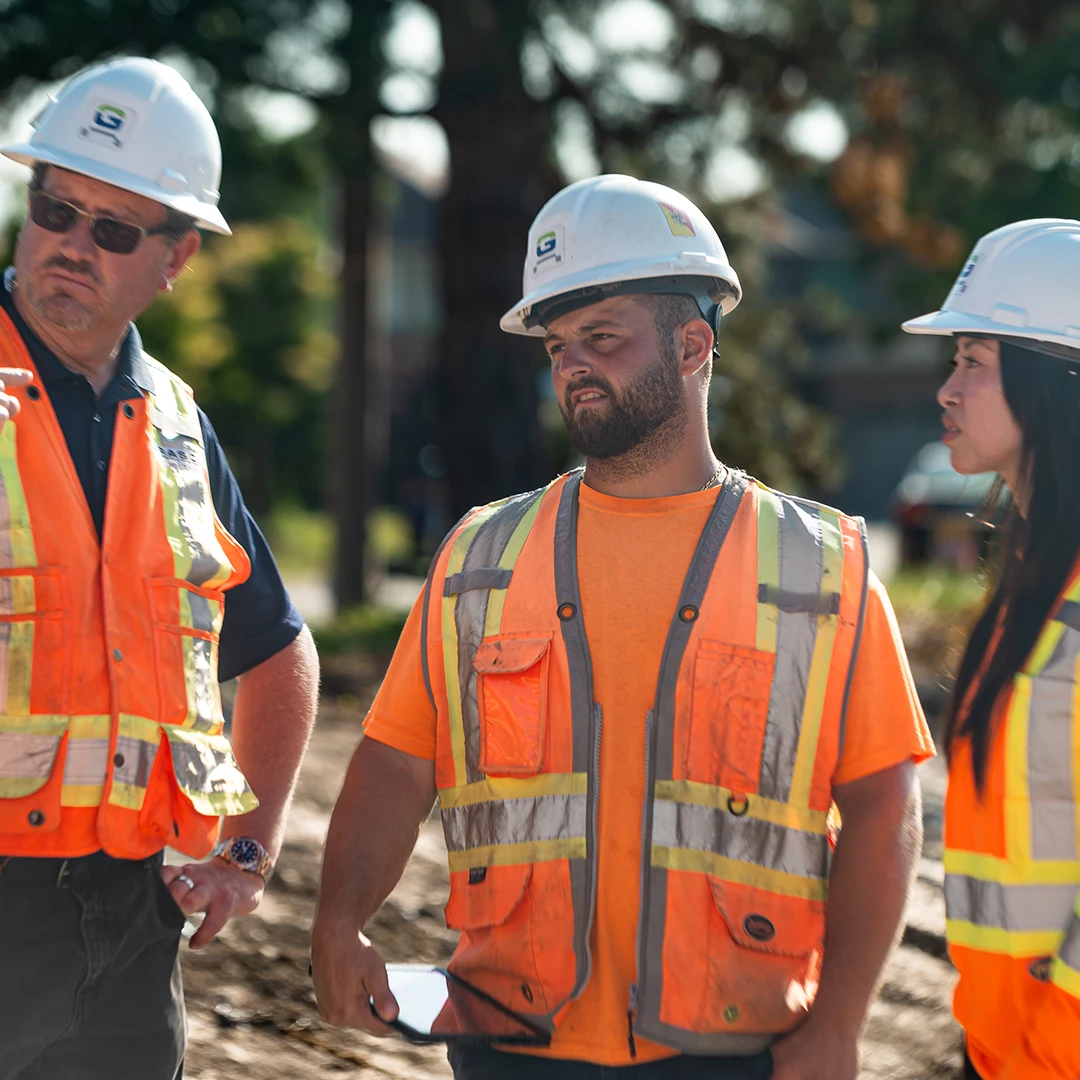
Three construction workers in hard hats and hi-vis vests talking on a work site

Contractors and visitors

Contractors and visitors
Worker in hi-vis using a phone beside racked steel sections in a yard

Incident management

Incident management
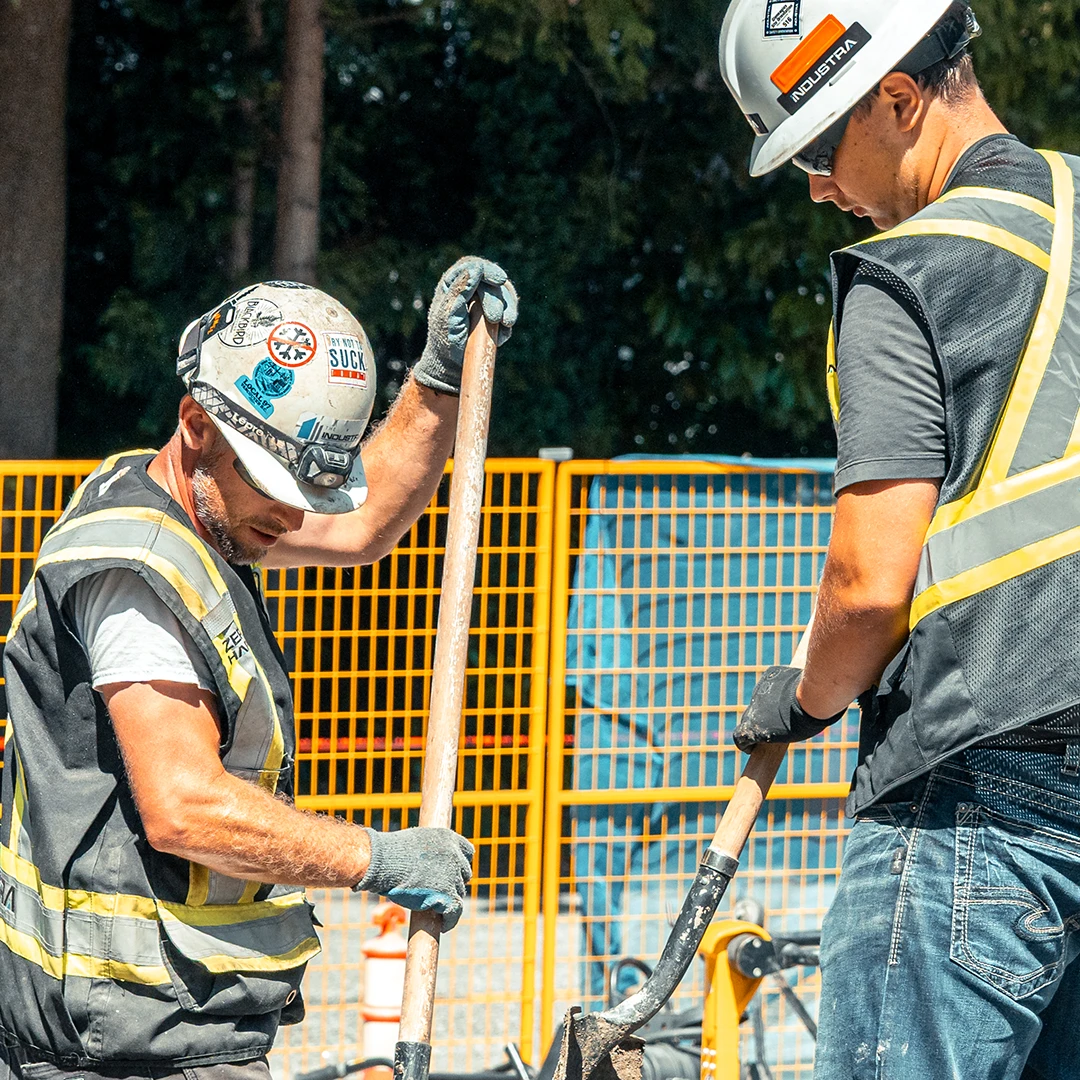
Two workers in hard hats and hi-vis vests digging with shovels on a fenced site

Training and competency

Training and competency

FAQS

Site App Pro's incident register and reporting tools maintain the accurate incident and hours-worked data needed to calculate total recordable injury frequency (TRIF) and lost time injury frequency (LTIF) metrics commonly required by clients, insurers, and COR programs. 

Site App Pro helps organizations produce board-ready reports covering key performance indicators, incident trends, compliance status, and outstanding corrective actions.

Yes, inspection records, incident histories, training registers, corrective action logs, and contractor compliance documentation can all be exported and shared with clients, auditors, insurers, or internal stakeholders.

Yes, build any audit checklist with photos, scored questions, yes/no checks, and digital sign-off. Completed audits are stored and can be exported as a PDF and any issues can be turned into a corrective action on the spot and tracked through to completion.

Your team can complete forms such as audits, pre-starts, inspections, and incident reports with no internet connection. They're stored on the device and sync automatically when you're back online. Workers can also view up to 12 months of their saved forms from the mobile safety app.

Yes, incidents logged in Site App Pro automatically populate your OSHA 300 log, and you can generate the OSHA 300A summary directly from the platform at year end - no manual data entry needed. The system is built around OSHA incident types and reporting terminology.